 Mail that makes contact
EXPLORE MAILIENS
Watch what you can do with Mailiens.
A quick look at the tools—and what they can do for your business.
WATCH WHAT YOU CAN DO
Watch it happen. See what you can do.
Choose an example. Watch the action, then see the result.
What if your postcard could tell you more?
Start with your artwork and a reason to scan. Mailiens gives each postcard its own tracking QR.
When someone responds, you have a useful place to start.
YOUR AUDIENCE, ON A MAP
See a neighborhood. Make it your next mailing.
Draw around the homes you want to reach, then save that selection as a new list. Or select addresses to leave out.
Matching sample addresses
Real Santa Cruz geography · fictional mailing addresses. Search uses this prepared example; your account can search across your own lists. Download access requires checkout and completed production for the exact list version.
YOUR ARTWORK. A REASON TO MAKE CONTACT.
Put your idea in front of them.
Bring your own design. Position the tracking QR on each side and choose what a scan opens.
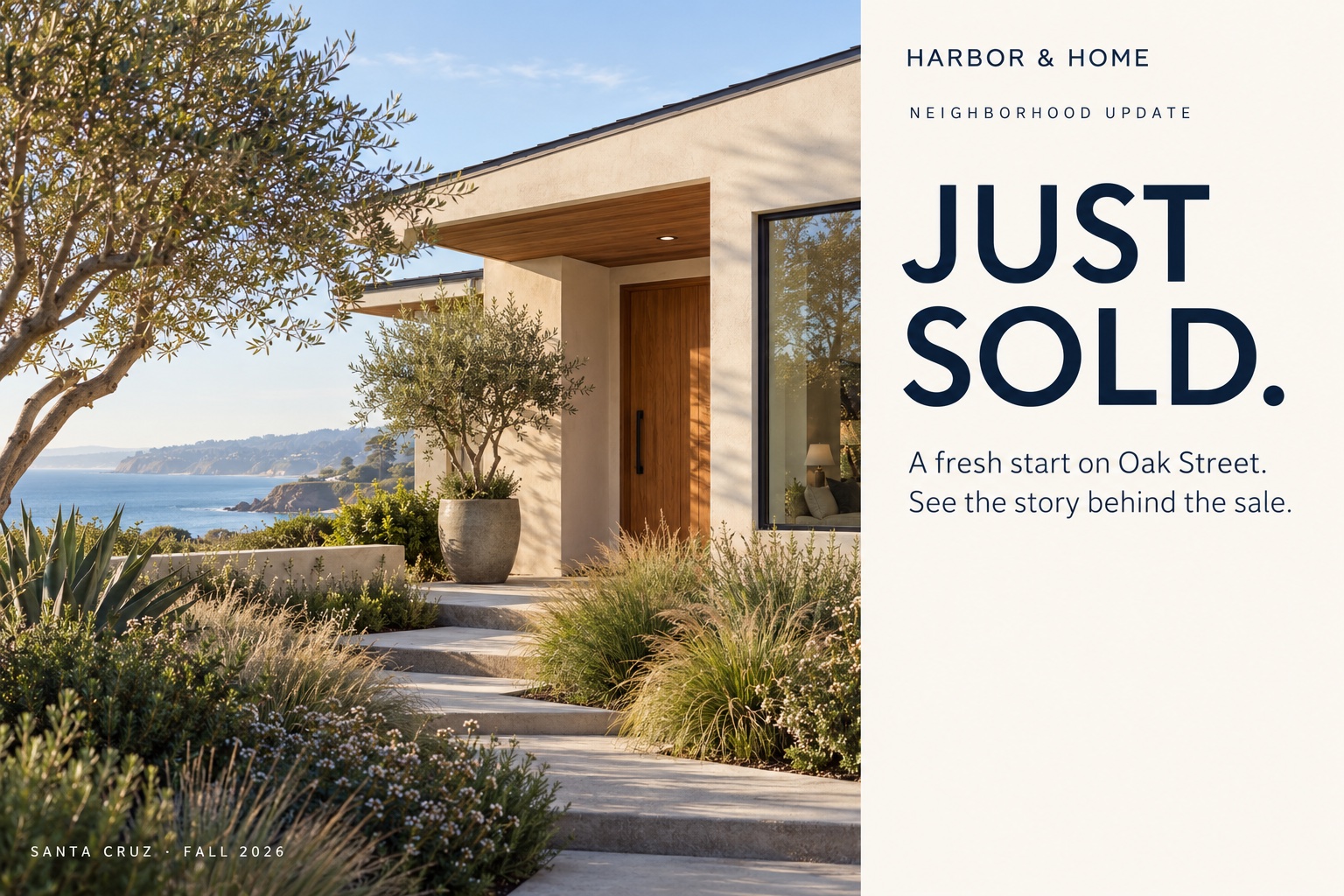
Close to home.
See what we’ve been working on.
Let’s talk about your next project.
Good work.
Close to home.
Ready to bring your next idea to life?
Let’s start a conversation.
SAMPLE HOUSEHOLD
200 SAMPLE STREET
SANTA CRUZ CA 95060
Sample artwork loaded · QR is a placement preview and does not scan. In your campaign, upload Front and Back artwork, then Save & Test each side.
WHEN THEY RESPOND, YOU LEARN
A scan puts a response on your map.
See which mailed postcard was scanned, which side, and how often. Then decide what comes next.
Prepared example · 8 responding postcards, including 3 repeat scans.
The marker identifies the intended mailing address, not the phone’s location or the identity of the person who scanned.
KEEP THE CONVERSATION GOING
Have your next postcard ready.
Prepare a follow-up design for the campaign. Eligible responses build its audience; you review and authorize the mailing.
Let’s talk about
your next project.
Let’s talk about what’s possible.
Fictional follow-up artworkNeighborhood update — Follow-up
Assigned to Greenline · Neighborhood update
Each eligible postcard appears once. More scans do not create duplicate recipients.
Preparing or assigning a design does not authorize payment or mailing.
Review recipients
No order is placed| Sample recipient | Mailing address | Response | Status |
|---|
In your account, review eligibility, the current price and mailing timing before approving checkout. This example offers no payment or order action.
PUT THE RESPONSE IN PERSPECTIVE
See what’s working. Refine your next mailing.
Compare scan activity and territory response using the same charts as the platform.
Territory comparison
The same example campaign, grouped by territory.
| Territory | Mailed | Responding postcards | Scans | Response rate |
|---|
Illustrative results, not expected performance. Response rate means responding postcards ÷ mailed postcards; scans do not establish leads or sales. Added sample scans update this example; list edits do not change its mailing history.
Scan activity
Neighborhood update · Scans · UTC · illustrative
Example period ends September 30. Future periods are blank.
Exact daily / monthly totals
| Period (UTC) | Scans | Status |
|---|
Illustrative artwork, mailing addresses, and results. No real mail is sent.
WHEN YOU’RE READY
Bring your artwork and your mailing list.
You can start with either one. Explore the tools before placing an order.
Artwork and list basics
Your artwork
Upload separate Front and Back files. PDF is preferred; PNG, JPG/JPEG, and single-image TIFF are also accepted.
6 × 9: supply 9.25 × 6.25 inches including bleed.
6 × 11: supply 11.25 × 6.25 inches including bleed.
Aim for 300 PPI for raster artwork; 150 PPI at final size is the minimum. Keep key content 0.25 inches inside trim and leave the lower-right postal area clear on the Back. Full guides are available in Templates & Specs inside your account.
Let Mailiens place the tracking QR codes; you do not need to build a code for every postcard.
Your mailing list
Include street address, city, state, ZIP, and either a recipient name or company. Keep apartment or suite information in its own column.
Use a CSV for a standalone saved list. Campaign upload also accepts TSV or delimited TXT. Mailiens checks your file before you continue.
A map lookup helps locate an address. Mailing selections use the addresses available in your lists.
Your price
Production pricing is public. Estimated postage uses your mailing list; checkout shows your total authorization. Final postage is confirmed after ordering. Unused allowance is released, and a higher amount needs your approval.
View production pricing →About this demonstration
This guided example represents selected Mailiens tools using prepared data. It does not upload files, save customer records, test a production QR, download a paid list, send messages or place an order. We count which sample steps are tried; address, artwork and destination content is not collected.
The map uses public street and building geometry. Map attribution and license · Map dataset